Best Christmas Browser Games
Play eight free Christmas and winter browser games featuring gifts, snowy puzzles, snowboarding, driving, penguins, and festive arcade action.

Christmas browser games can turn a short break into a small seasonal event without asking you to install a large game first. Some use presents, decorations, and holiday characters directly; others capture the season through snow, winter sports, icy roads, and calm matching puzzles. That variety matters because not every player wants the same kind of festive session. A family may prefer tile matching, while an arcade player may want a fast run or a snowy driving challenge.
The eight games below combine explicit Christmas themes with winter games that fit naturally beside them. Every title has a playable page in the catalog and lists its controls, so you can choose for desktop or touch input before starting. Continue with Puzzle Games for more relaxed challenges, or browse Racing Games when snowy tracks and vehicles are the main attraction.
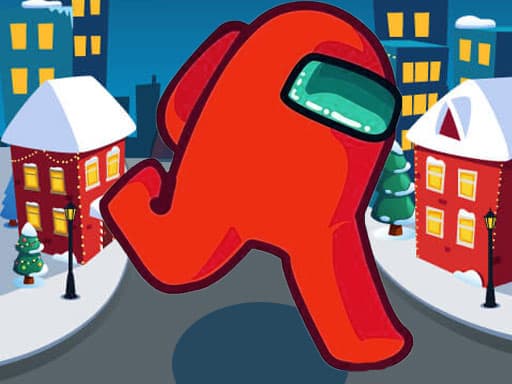
1. Among Us Christmas Run: Collect Gifts on Snowy Streets
Among Us Christmas Run turns a familiar endless-runner structure into a holiday obstacle course. Use the direction keys to move through snowy streets, collect Christmas presents, avoid cars and barriers, and pick up small helpers that provide a protective shield. The catalog labels it 0+, while the keyboard controls make desktop play the clearest fit.
Do not move toward every present immediately. Look one obstacle farther ahead and choose a route that leaves room to change direction. A shield provides protection, but it is more useful as insurance than as a reason to ignore traffic. Set a simple goal—such as one clean run or a specific number of gifts—to keep a quick session from becoming repetitive.
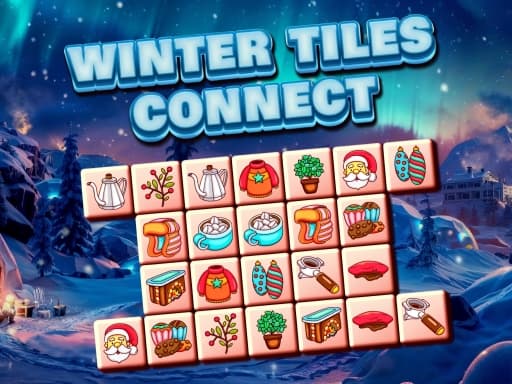
2. Winter Tile Connect: A Calm Seasonal Puzzle
Winter Tile Connect is the quietest game in the selection. Match two identical winter tiles when they can be joined by a path made from no more than three straight segments. The connecting route cannot cross another tile, and each level becomes more involved as the board fills with harder arrangements. A mouse or touchpad controls the selections.
Begin with pairs around the outside edge, where open routes are easiest to see. After every match, scan the empty space it created before choosing another obvious pair. Removing tiles in the right order matters more than clicking quickly. Choose this game for a relaxed Christmas session or when several people want to solve the board together.
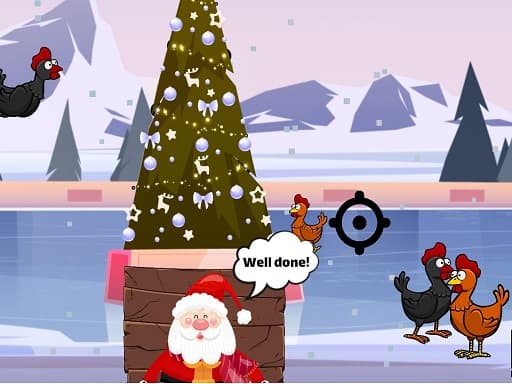
3. Christmas Chicken Shoot: Aim, Fire, and Reload
Christmas Chicken Shoot is a score-based arcade shooting game with festive scenery. Move the crosshair with the arrow keys, press Space to fire, and use R to reload. Chickens moving through the air award more points, so the challenge is deciding when a difficult target is worth the shot. The catalog lists it for all ages, although adults may still want to consider the cartoon shooting theme for younger children.
Reload before the screen becomes crowded rather than waiting until the ideal target appears. Track one chicken at a time and move the crosshair into its path instead of chasing it from behind. Accuracy preserves time and ammunition, so a patient rhythm usually produces a better score than pressing fire continuously.
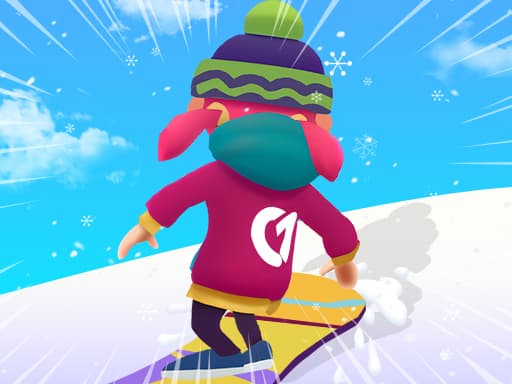
4. Snowboard Game Party: Race Through Winter Obstacles
Snowboard Game Party brings multiplayer racing to snowy downhill tracks. Click or tap to play, avoid snowballs, fences, and sudden changes in the slope, and try to maintain enough speed to finish ahead of the other racers. Successful races provide points that can be used for gear and visual customization.
Watch the track beyond the nearest obstacle. Moving only after a fence reaches the character leaves little time to prepare for the next turn. Use the opening run to learn how sharply the snowboarder responds, then focus on clean routes rather than constant risky overtaking. This is the best pick when the group wants seasonal competition instead of a solo puzzle.
5. Snow Drifting: Turn a Car Into a Snowplow
Snow Drifting begins with a playful problem: the levels are covered in snow, there is no shovel, and the available tool is a car. Use WASD or the arrow keys to drive and drift through each winter area. Clearing the snow and controlling the slide matter more than following a traditional racing line.
Start with wide, controlled arcs along the outside of the snowy area. Tight turns may look faster, but they can leave small untouched patches that are awkward to revisit. Learn how long the car continues sliding after you change direction, then use that momentum to cover broad sections. It is a good option for players who want winter driving without a conventional race.
6. Purple Penguin: Protect a Winter Animal
Purple Penguin uses a single action and a clear survival goal. Tap the approaching orcas to keep the purple penguin safe for as long as possible. The simple control makes it easy to understand on either a short break or a shared family session, while the winter animal theme provides a gentler alternative to the competitive games around it.
Prioritize the threat nearest to the penguin instead of tapping in the order that orcas appear. Keep your attention close to the center, then use peripheral vision to notice what is approaching next. The game rewards calm target selection more than random rapid tapping. Take turns after each attempt and compare survival time if several people are playing.
7. Skibidi ZigZag Snow Ski: Follow the Mountain Rhythm
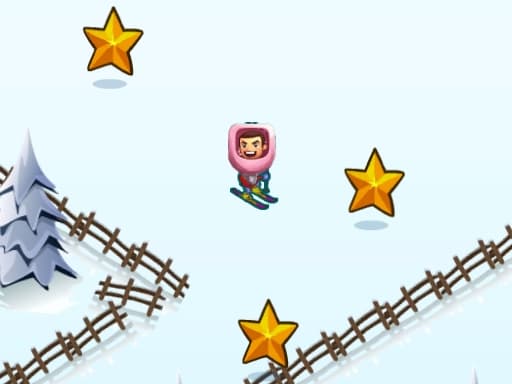
Skibidi ZigZag Snow Ski is a one-input arcade descent through icy mountain terrain. Click or tap to guide the snowboarder through a zigzag route and avoid leaving the safe path. The catalog lists it for all ages and includes mobile-related tags, making it one of the most touch-oriented winter choices in the guide.
Do not tap by habit. Watch the direction of the next section and wait until the character reaches the turning point. A steady rhythm helps on predictable stretches, but the spacing can change, so keep looking ahead. Choose this game when you want an immediately understandable challenge that can be played in very short rounds.
8. Labubu Auto Adventure: Drive and Collect in the Snow
Labubu Auto Adventure is a child-oriented winter driving game. Use the mouse to guide a jeep through snowy roads, collect pancakes, avoid obstacles, and reach the finish. Its catalog age label is 0+, and the focus on collecting makes it less competitive than Snowboard Game Party or a traditional racing game.
Keep the finish route as the main goal. A collectible near an awkward obstacle may not be worth leaving a safe line, especially late in the level. Make smaller steering corrections instead of dragging sharply from side to side. This is the most straightforward driving choice for younger players who enjoy winter scenery and simple collection objectives.
How to Plan a Christmas Browser Game Session
Mix different types of play rather than opening several similar games in a row. Start with Winter Tile Connect while everyone settles in, switch to Snowboard Game Party or Snow Drifting for movement, and finish with Purple Penguin or a short skiing challenge. Christmas Chicken Shoot fits players comfortable with cartoon target shooting, while the two collection games provide clearer goals for younger players.
Check controls before handing over a device. Several games support clicking or tapping, but Among Us Christmas Run, Christmas Chicken Shoot, and Snow Drifting rely on keyboard keys. Age labels are useful starting points, not a replacement for an adult preview when themes, advertisements, or difficulty could matter to a child.
Bring Winter Into the Browser
A seasonal game does not need a long story or complicated event system. A snowy board, a route filled with presents, or a downhill track can create a recognizable Christmas-break mood within minutes. Pick one calm game and one active game, agree on a stopping point, and let the change of pace keep the session festive. Because every title opens in the browser, it is easy to move from matching tiles to winter racing without filling the day with setup.
Frequently Asked Questions
Are these Christmas browser games free?
Yes. Every game in this guide can be opened for free in a supported browser without installing a separate game client.
Which Christmas game is best for a calm session?
Winter Tile Connect is the calmest choice because it focuses on matching and route planning without racing or time-sensitive movement.
Which Christmas games use keyboard controls?
Among Us Christmas Run uses direction keys, Christmas Chicken Shoot uses arrows plus R and Space, and Snow Drifting uses either WASD or the arrow keys.
Can these winter games be played on mobile?
Several titles list tapping or clicking controls, while others require a keyboard. Check the controls on each game page before choosing a phone or tablet.
Play Games From This Article
Try the games mentioned above directly in your browser—no download required.