Best Black Friday Games to Play Online
Play eight free Black Friday and shopping browser games featuring fashion, mystery boxes, store management, supermarkets, and sorting puzzles.
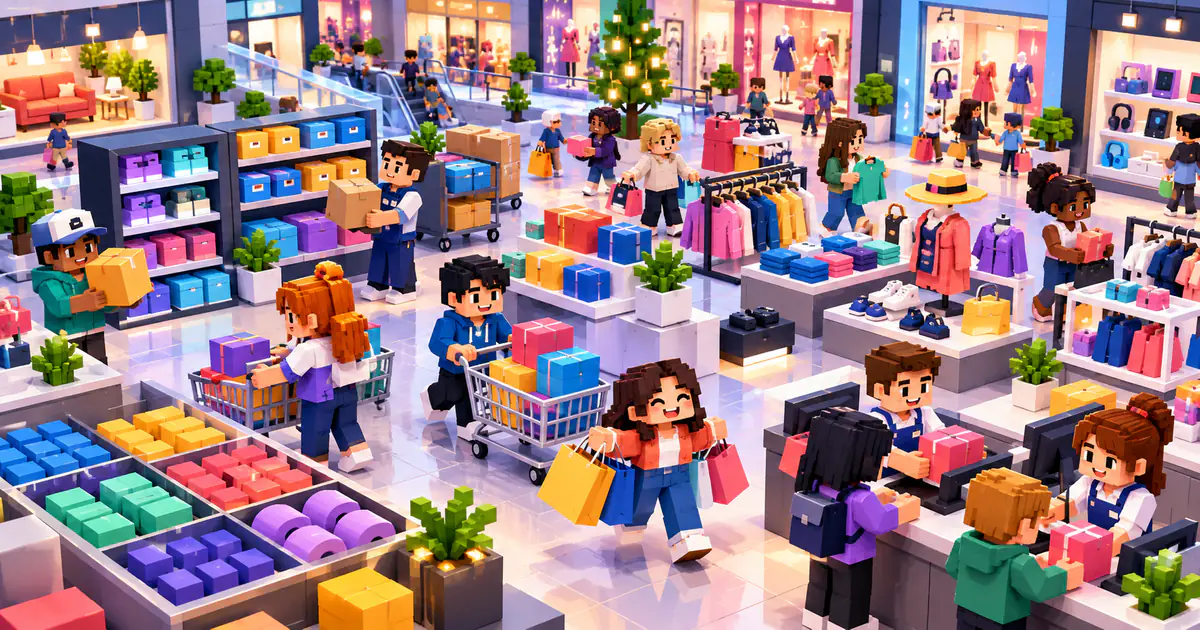
Black Friday games borrow the busiest parts of shopping season—wishlists, surprise boxes, full shelves, fashion choices, crowded checkouts, and expanding stores—without requiring anyone to spend real money. In one game, the goal is to assemble a holiday outfit. In another, you manage stock and service customers. Sorting puzzles slow the pace down by turning a messy display into a logical board.
Only three games in the current catalog use Black Friday directly in their titles, so this guide combines them with five closely related shopping and retail games. That keeps the selection useful instead of padding it with unrelated action games. Browse Simulation Games for more management systems, or open Casual Games when you want shorter tasks and approachable controls.
1. Black Friday Dress Up Selfie: Build a Seasonal Look
Black Friday Dress Up Selfie turns a shopping wishlist into a fashion activity. Choose from tops, bottoms, dresses, shoes, accessories, warm winter layers, autumn outfits, holiday pieces, and darker academic styles. Use the mouse on desktop or tap on mobile, then combine the available items into a selfie-ready outfit.
Begin with one anchor piece rather than changing every category at once. A coat, dress, or pair of shoes can establish the color and mood for the rest of the look. Add accessories last and compare whether each one supports the outfit or only makes it busier. This is the clearest Black Friday choice for creative players who prefer styling to scores.
2. Black Friday Mystery Sale: Style the Surprise
Black Friday Mystery Sale adds uncertainty to the dress-up format. Open mystery boxes, discover fashion pieces, and use the results to style the characters. Mouse controls are available on desktop, while mobile players can tap. The catalog lists the game 0+, and its shopping theme is expressed through collecting and combining virtual outfits.
Wait until several items have been revealed before committing to a complete look. One unusual piece may work better as the center of an outfit than as an accessory added at the end. Group discoveries by color or style, then build from the strongest group. Choose this over Dress Up Selfie when surprise and improvisation sound more interesting than a broad wishlist.
3. Black Friday Store Manager: Run the Sale Floor
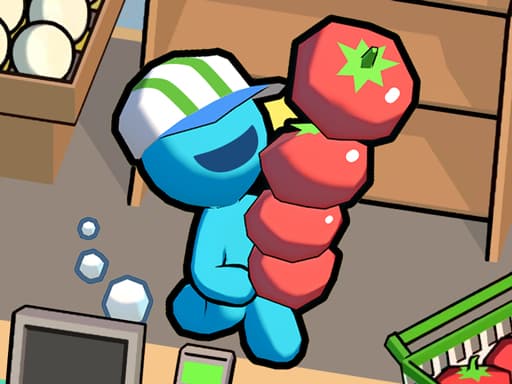
Black Friday Store Manager moves behind the counter. Buy clothing, place it on shelves, replenish sold items, serve customers, earn coins, improve staff, and unlock more of the store. Mouse clicks or taps control the operation. The management layer also asks you to consider faster low-cost products against higher-margin premium goods.
Keep shelves stocked before investing in a larger sales floor. Empty displays cannot earn money, and an expanded store creates more places that need attention. Follow one customer through the full process—from finding an item to paying—and improve the stage that causes the longest wait. Reliable service creates a better foundation than opening every available area immediately.
4. Goods Sorting Shopping Master 2: Organize the Shelves
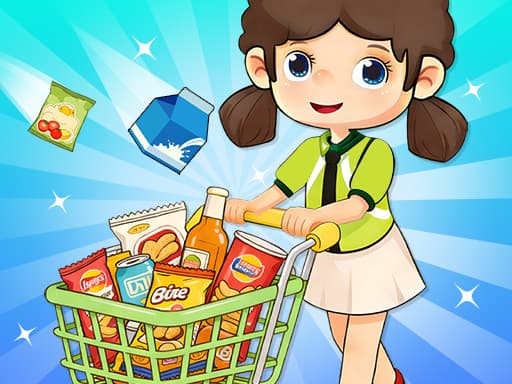
Goods Sorting Shopping Master 2 turns a retail display into a matching puzzle. Shelves contain mixed drinks, snacks, and everyday goods; click or tap to move identical items into neat groups. The catalog labels it for all ages and describes the pace as relaxing, making it a useful break from the busier management games.
Scan the whole shelf before making the first match. Clear groups that release useful space instead of moving the first identical products you notice. When one shelf becomes crowded, preserve an empty position as temporary storage. Good sorting is less about speed than maintaining enough flexibility to complete the last few groups.
5. My Mini Mart: Grow, Process, and Sell
My Mini Mart begins earlier in the retail chain. Grow vegetables, raise animals for food, process the products, and sell them to develop a small supermarket. Tap controls keep the actions simple, while the connection between production and selling gives each upgrade a clear purpose. The catalog marks it 0+.
Do not expand production beyond what the mart can process and sell. Extra goods only help when they can move through the complete system. Watch which product disappears from stock most often, then strengthen that route from its source. Once supply and sales are balanced, add another item rather than upgrading everything at the same time.
6. My Idle Mart Empire Tycoon: Build a Shopping Center
My Idle Mart Empire Tycoon develops a small shop into a larger retail operation. Produce goods, move them to the belt, open checkout, customize the store, and purchase upgrades. Its catalog description specifically includes profits that grow while the player is offline. Mouse clicks or taps control the management tasks.
Inspect the store before spending accumulated income. If goods wait at checkout, improve service; if the belt stays empty, strengthen production or transport. The most expensive upgrade is not automatically the most useful one. Choose this game when the long-term growth of a retail system matters more than completing a short puzzle level.
7. Big Supermarket Simulator: Manage More Than One Business
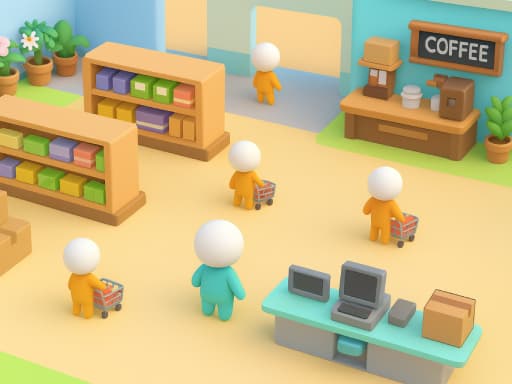
Big Supermarket Simulator includes restocking, cashier work, cleaning, product expansion, staff, storage, and automated production. Later growth can add coffee and flower shops, turning one supermarket into a small commercial street. The game uses mouse clicks or taps and also explicitly includes offline income in its catalog description.
Improve movement and storage before adding too many product lines. A larger selection creates more work if employees cannot keep shelves filled. Watch where stock waits and where customers wait, then choose an upgrade that shortens one of those delays. This is the most detailed management choice in the list and suits a longer session better than the dress-up or sorting games.
8. Crazy Goods Sort 3D: Restore Order to the Bins
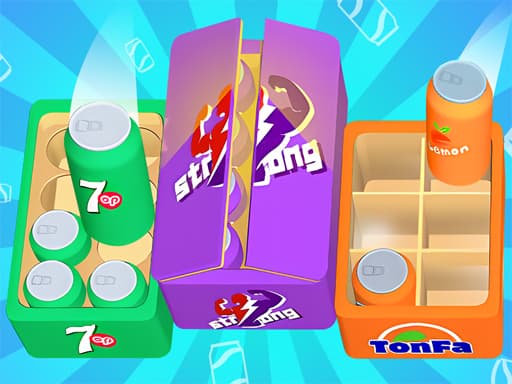
Crazy Goods Sort 3D replaces realistic shelves with colorful piles of boxes and objects. Match identical items, move them to the correct bins, and restore order as each level introduces another arrangement. Mouse clicks or taps handle the puzzle, and its 0+ age label makes it broadly approachable.
Work from the most constrained bin first. Items with several obvious destinations can wait, while a nearly full area may leave only one workable sequence. Avoid scattering partial matches across every container. Completing one group creates clean space and makes the remaining objects easier to read. Pick this game when organization is more appealing than running a store.
Choose Fashion, Sorting, or Store Management
The first decision is not which game looks most like a sale; it is what kind of activity you want. Black Friday Dress Up Selfie and Mystery Sale focus on fashion and creative combinations. Goods Sorting Shopping Master 2 and Crazy Goods Sort 3D provide compact logic challenges. Black Friday Store Manager, My Mini Mart, My Idle Mart, and Big Supermarket Simulator build increasingly involved retail systems.
All eight games list mouse, tap, or click controls, but a dense management interface may still be easier to read on a larger screen. None of these games is a real shopping service, and nothing in the article represents an actual discount or recommendation to purchase a product. The Black Friday theme is simply the setting for fashion, puzzle, and simulation play.
Play the Shopping Theme Without the Checkout
Black Friday is usually associated with prices and crowded stores, but browser games can turn the same imagery into decisions rather than purchases. Build an outfit from mystery items, organize a shelf, or improve the route through a supermarket. Start with a short sorting game if you have only a few minutes, and choose a store simulator when you want progress that continues across a longer session. The only thing you need to select here is which style of play comes first.
Frequently Asked Questions
Are these Black Friday games free?
Yes. Every game in this guide can be opened for free in a supported web browser without installing a separate game client.
Do these games offer real Black Friday discounts?
No. These are fashion, puzzle, and store-management games with shopping themes. They are not shopping services and do not represent real product offers.
Which Black Friday game is best for store management?
Black Friday Store Manager has the most direct seasonal retail theme. Big Supermarket Simulator provides the broadest management system in the overall selection.
Can the Black Friday games be played on mobile?
All selected games list tapping or clicking controls. Screen layout and performance can still vary, so check the individual game page on your device.
Play Games From This Article
Try the games mentioned above directly in your browser—no download required.